Components
Image Comparison
Before/after: .wckd-image-comparison with base img, .wckd-image-comparison-after-clip + second img, and .wckd-image-comparison-bar divider. Drag + scroll sync from wckd-ui.js.
Jump to:
Download & setup
Load the kit from Get Started; use the style guide for utilities and tokens while wiring this component.
Default implementation
Basic before/after
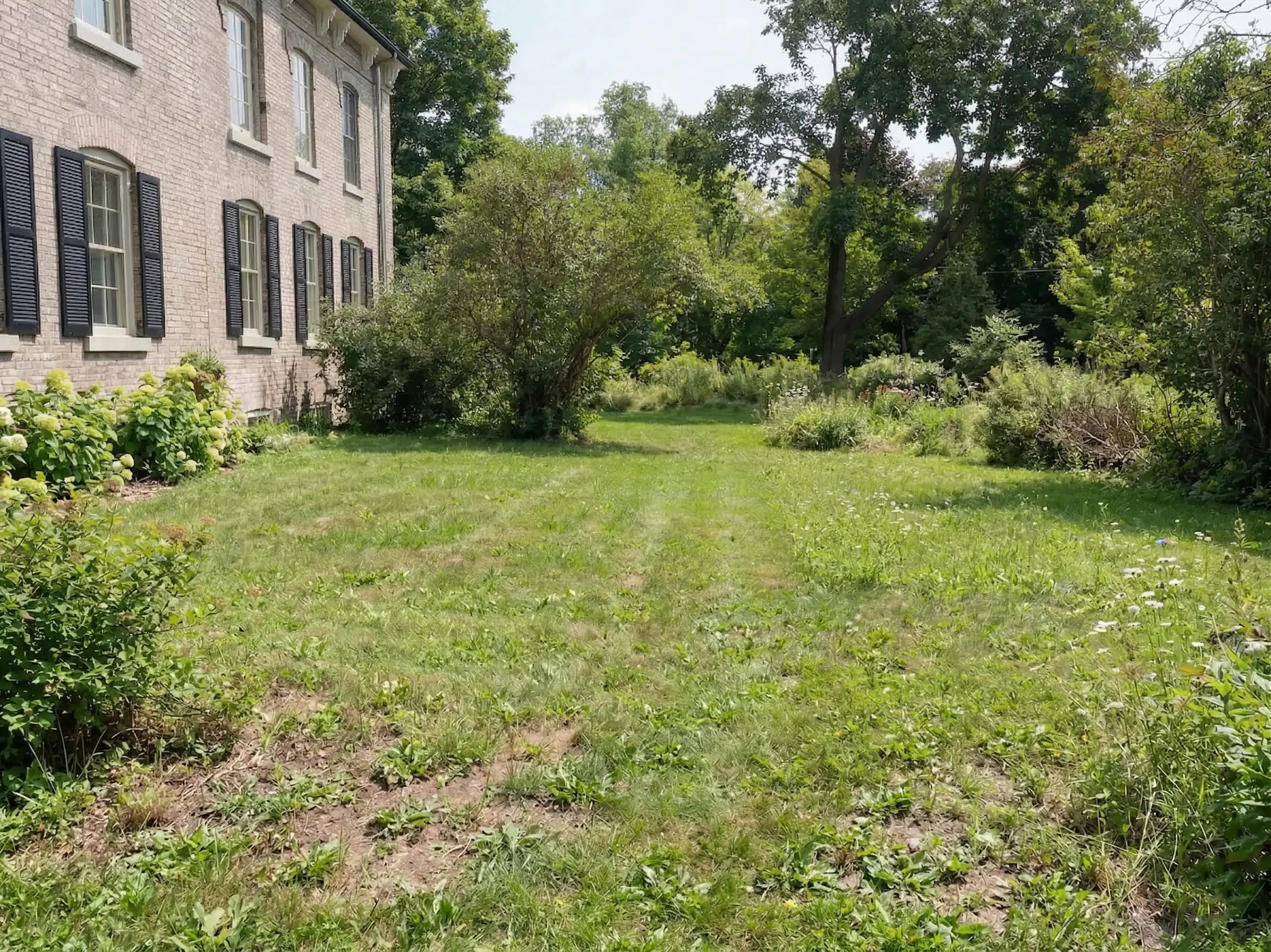
Place before image, clipped after image, and divider bar in the comparison body.

Markup
<div class="wckd-image-comparison">
  <div>
    <img src="before.jpg" alt="Before" />
    <div class="wckd-image-comparison-after-clip">
      <img src="after.jpg" alt="After" />
    </div>
    <div class="wckd-image-comparison-bar" aria-hidden="true"></div>
  </div>
</div>
When to use
- Product before/after showcases, redesign comparisons, and visual QA proof.
- Campaign sections where one visual state needs to be contrasted with another in place.
Implementation notes
- Provide meaningful alt text for both before and after assets.
- Use similar image dimensions to keep divider movement smooth and avoid jumpy clipping.
- Include visible helper copy so people understand the divider is draggable.
- Optional: set
--wic-wipe-starton.wckd-image-comparison(default0.15) so scroll reveal starts partially open.
Developer checklist
- Keep the required wrapper and child class names exactly as documented so JS can bind drag behaviour.
- Use equal image dimensions and optimised formats to keep pointer interactions smooth.
- Test touch drag on mobile and reduced-motion behaviour for accessibility.